
Description :
This procedure allows you to reset the database login details in MS SQL
Required Information :
Your website's hosting control panel user name and password
Procedure :
[1] Access your control panel at https://www.yourdomain.com:8443 [ Example :https://www.crmcell.com:8443 ]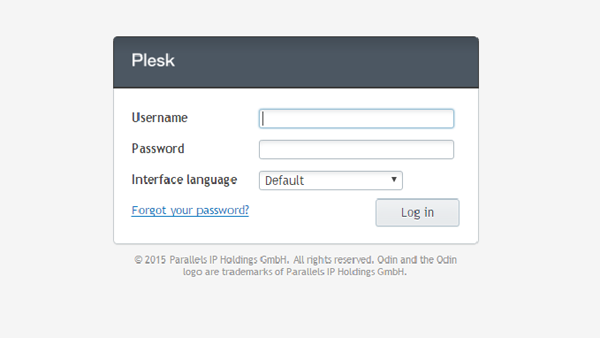
[2] Click on Subscriptions.
[3] Click on subscription name and click on website and domains.
[4] Click on Databases
[5] Click on Database name
[6] Click on Database user name
[7] Give new passwrod [ Note : password should be tough which consists of alphanumeric characters ]
[8] Confirm the password
[9] Click on ok
 |
 |
 |